If you’re here, you’re looking for more than surface-level gaming advice. You want strategies that actually improve performance, smarter ways to approach modding, and pro-level setup tips that give you a real edge. This article is built to deliver exactly that.
We break down the hottest topics in gaming right now, explain the mechanics behind winning strategies, and highlight practical tweaks that make a noticeable difference in gameplay. Whether you’re diving into competitive matches, experimenting with hake-focused modding, or optimizing your setup for smoother performance, you’ll find clear, actionable guidance tailored to your goals.
Our insights are grounded in hands-on testing, deep community engagement, and continuous analysis of evolving game mechanics and player trends. Instead of recycled advice, you’ll get focused, experience-backed recommendations designed to help you play smarter, mod confidently, and stay ahead of the curve.
The Foundation: Game-Specific Creation Kits & Mod Managers
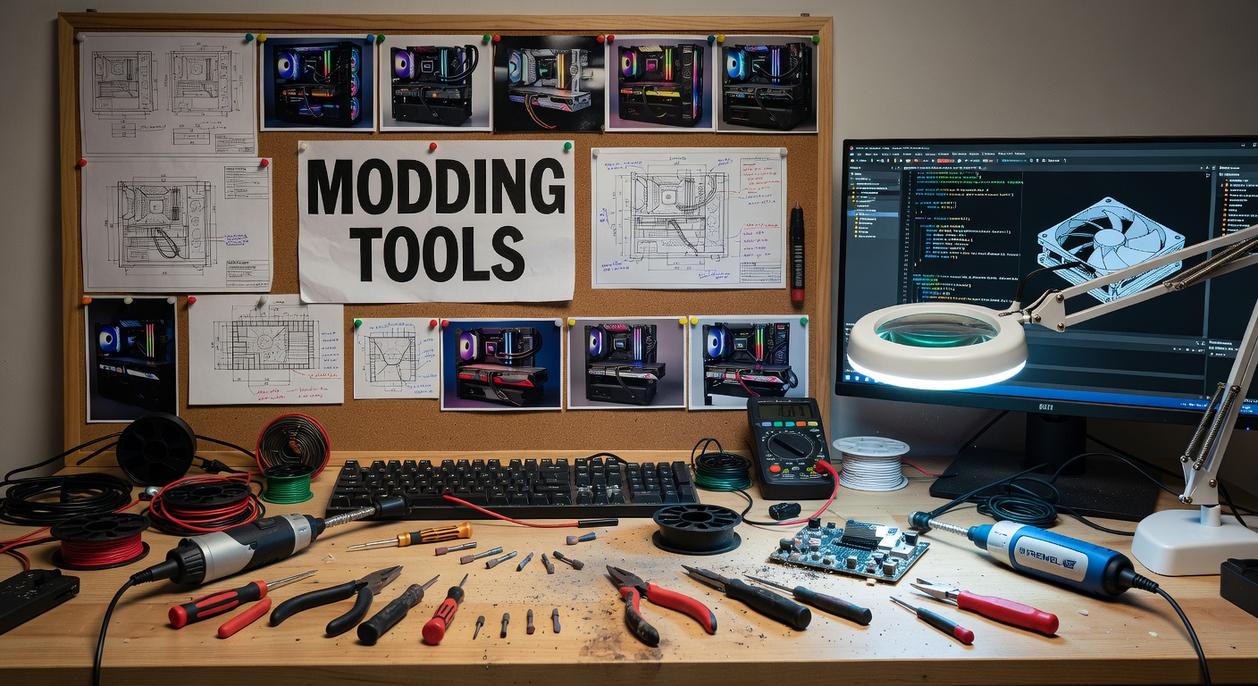
Before you touch a texture file or rewrite a questline, you need the right tools. Game-specific creation kits are official or community-built development environments tailored to a single title or engine. Think of them as stripped-down versions of the tools the original developers used (yes, you’re basically stepping into the studio).
Creation Kit (Bethesda Games – Skyrim
Fallout 4): The official tool for creating quests, editing worlds, and scripting events., – REDkit (The Witcher 3): Allows for deep modification of the game world, characters, and quests., – Mod Managers (Vortex
Mod Organizer 2): Essential utilities for installing, organizing, and troubleshooting mods without altering core game files directly. Explain their importance for stability.
In Bethesda’s Creation Engine ecosystem, for example, load order refers to the sequence mods initialize—get it wrong and Whiterun might crash before you reach the gate. Mod managers prevent that by using virtual file systems (a method that keeps base game data untouched).
Some argue manual installs feel “cleaner” or more hardcore. Sure—until a bad .esp file corrupts your save. Stability always wins.
Why start here?
- They provide native scripting support.
- They expose worldspace editing tools.
- They reduce catastrophic conflicts.
Pro tip: Always test new mods in a separate profile before merging into your main build.
Sculpting New Realities: 3D Modeling & Animation Software
3D modeling and animation software are the programs used to build the actual objects inside a game—characters, swords, armor sets, creatures, and entire cities. Think of them as digital sculpting studios (like chiseling marble, except you can hit Ctrl+Z).
Key Tools:, – Blender: A powerful, free, and open-source 3D suite that has become the standard for the modding community. Ideal for modeling, sculpting, rigging, and animation., – Autodesk 3ds Max & Maya: Industry-standard professional tools often used in original game development. They have steeper learning curves and costs but offer immense power.
If you’re starting out, I strongly recommend Blender. It’s free, constantly updated, and backed by a massive modding community. Some argue that Maya or 3ds Max are “more professional.” That’s true in AAA studios—but for modders, Blender is more than enough (and far easier on your wallet).
Here’s the core workflow: you create a mesh (the 3D shape), perform UV unwrapping (flattening the model so textures fit correctly), handle rigging (adding a digital skeleton), then move into animation.
Master the workflow before chasing fancy effects. Clean topology and solid rigs will save you hours of frustration later. Pro tip: start small—model a simple prop before tackling a boss-level character.
Painting a New Look: Texture & Image Editors
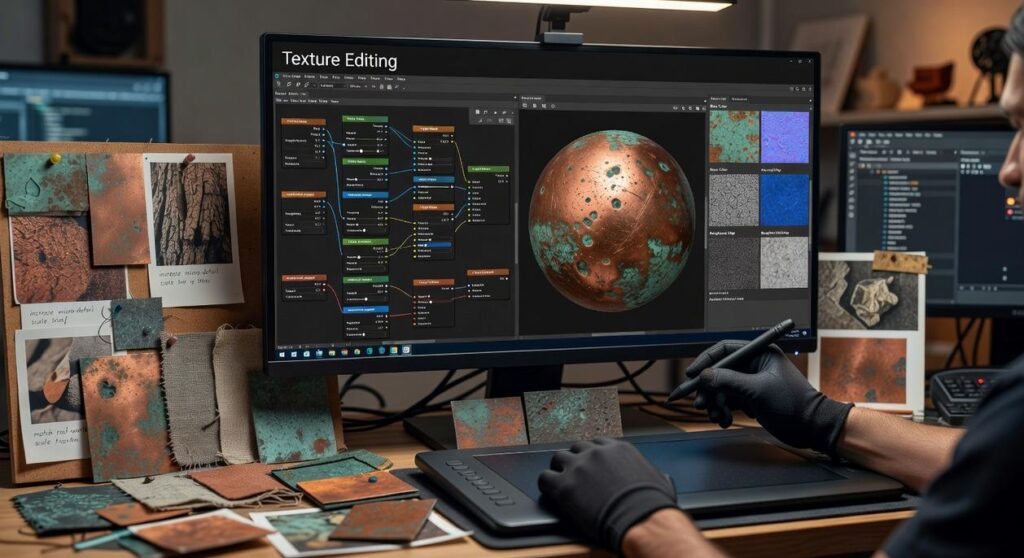
Have you ever wondered why some mods look AAA-polished while others feel flat? The difference usually comes down to textures—the 2D images wrapped around 3D models that give them color, detail, and surface realism. Think of textures as digital “skins” that tell a sword whether it’s rusty iron or polished steel.
Essential Software
Essential Software:, – GIMP (GNU Image Manipulation Program): The best free alternative to Photoshop, capable of handling all basic and many advanced texture editing tasks., – Adobe Photoshop: The professional standard for image editing, offering a robust toolset for high-quality texture work., – Substance Painter: A specialized tool for creating realistic PBR (Physically Based Rendering) textures, allowing you to paint materials like metal, wood, and cloth directly onto a 3D model.
PBR (Physically Based Rendering) simulates how light behaves on real surfaces. Ever notice how light glints differently on metal versus cloth? That’s PBR at work. Ready to LEVEL UP your mods? If you’re serious, start by exploring the history of game modding communities: https://thehakegamer.net/exploring-the-history-of-game-modding-communities/
Crafting the Soundscape: Audio Editing & Creation Tools
First things first: audio editing tools are applications used to record, modify, and export sound files—everything from punchy weapon effects to whispered character dialogue and looping ambient tracks. In other words, they’re the reason your mod sounds epic instead of like it was recorded inside a cereal box.
Top Choices:, – Audacity: A free, open-source, and incredibly versatile audio editor. Perfect for trimming clips, removing noise, applying effects, and converting file formats., – Reaper: A more advanced Digital Audio Workstation (DAW) with a generous trial period, offering professional-level features for complex sound design and music composition.
Now, some modders argue stock sounds are “good enough.” Sure, and instant noodles are technically dinner. But custom audio makes your project feel immersive and polished.
As you refine your game modding tools list, remember: great sound design doesn’t just support gameplay—it sells it. Pro tip: always normalize audio levels before exporting to avoid jump-scare volume spikes.
Rewriting the Rules: Scripting & Code Editors
Text editors designed for programming help modders control game logic, AI behavior, quest progression, and entirely new gameplay features. “Your code is the game,” one modder told me, “so treat it like design.”
Key editors: Visual Studio Code (VS Code): a free, highly extensible editor with debugging and vast language support. Notepad++: a lightweight Windows favorite for quick script tweaks. “I just need it to open fast,” another creator laughed.
If you skim any game modding tools list, these two appear constantly and for good reason. Speed matters in modding workflows. Pro tip.
You came here to level up your gaming experience—and now you have the strategies, insights, and modding direction to do exactly that. Whether your goal was smoother performance, smarter tactics, or diving deeper into hake-focused customization, you’re no longer stuck guessing what works.
The real frustration isn’t losing a match—it’s knowing your setup, strategy, or mods are holding you back. When your gameplay lags, your builds aren’t optimized, or your loadout feels off, it takes the fun out of the grind. The difference between casual play and standout performance is having the right tools and guidance.
Level Up Your Game Today
Don’t let outdated strategies or weak setups keep you from dominating. Join one of the fastest-growing gaming communities trusted by competitive and casual players alike for proven strategies, pro setup tips, and advanced modding insights. If you’re serious about better performance and smarter play, dive in now and start upgrading your game today.